
DiskPiano — The Ultimate App for Self-Playing Pianos
Connect your Yamaha Disklavier, PianoDisc, or QRS piano — even first-generation 1990s models — to a library of 10,000+ licensed songs and smart performance modes (Night, Pianist, Concert). Available on iPhone, iPad, and Android.
Version 1.1.1
Released August 4, 2026
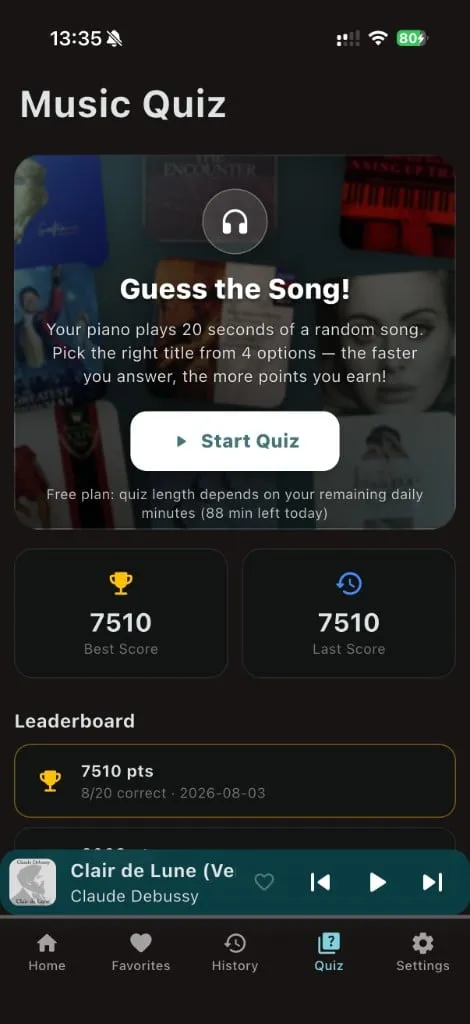
New Guess the Song
Music Quiz on your real piano — refined UI, crystal-clear sound from the instrument.
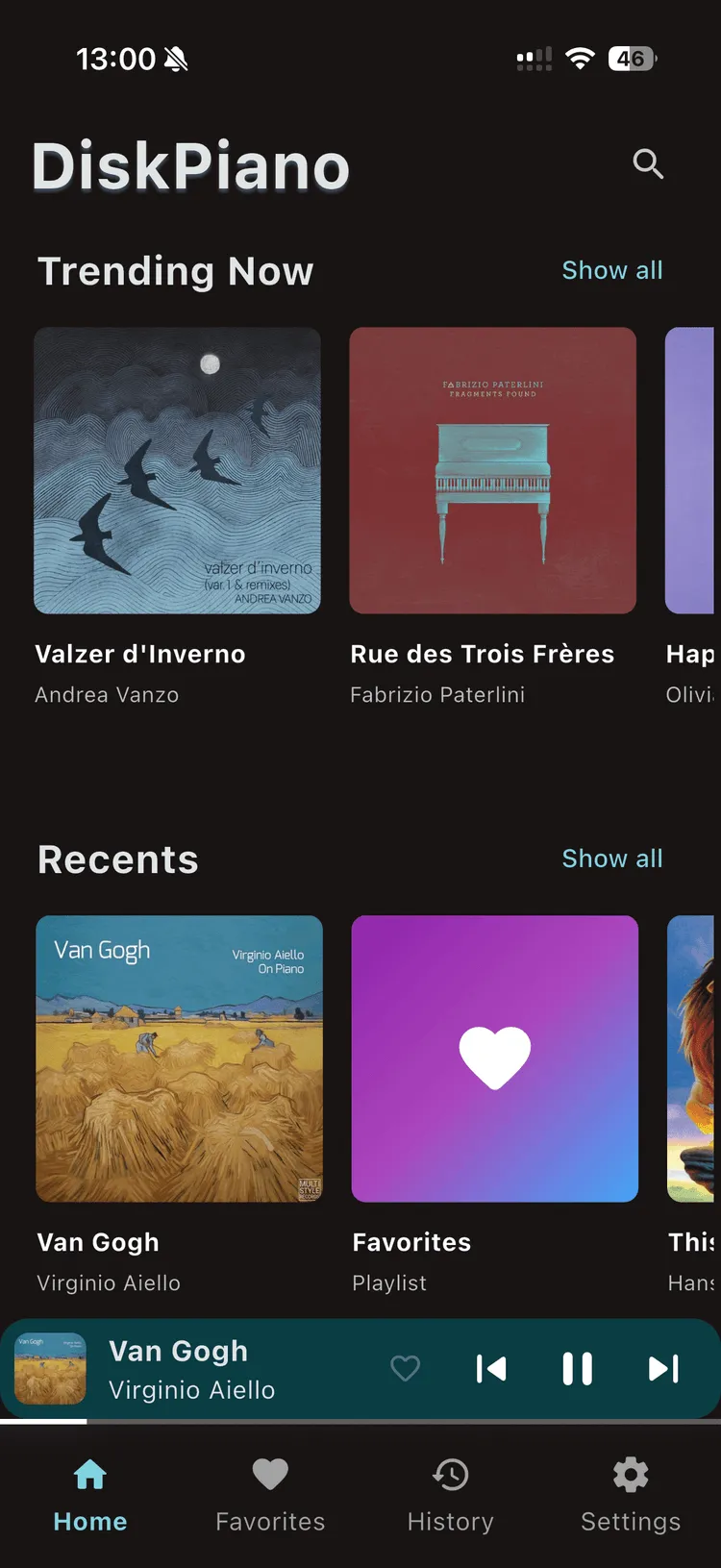
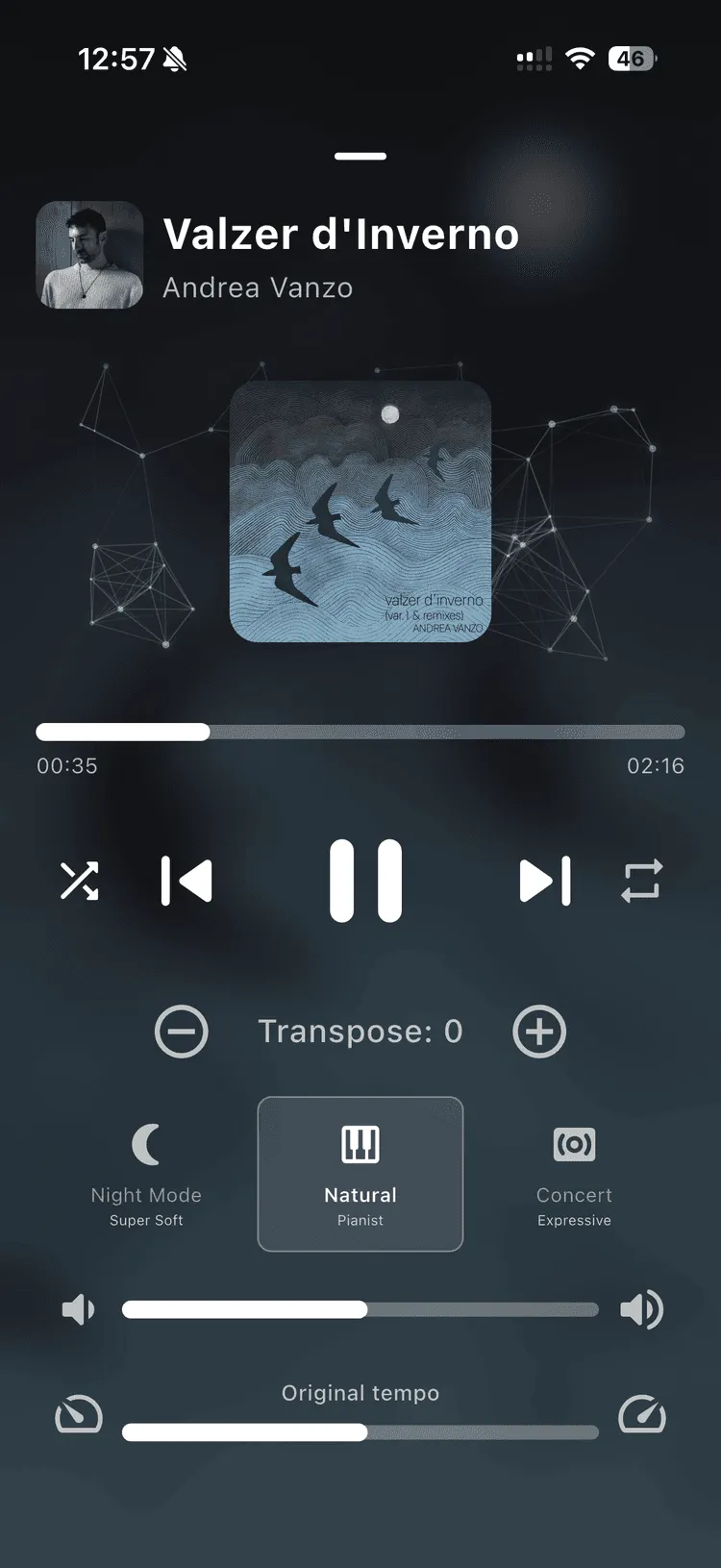
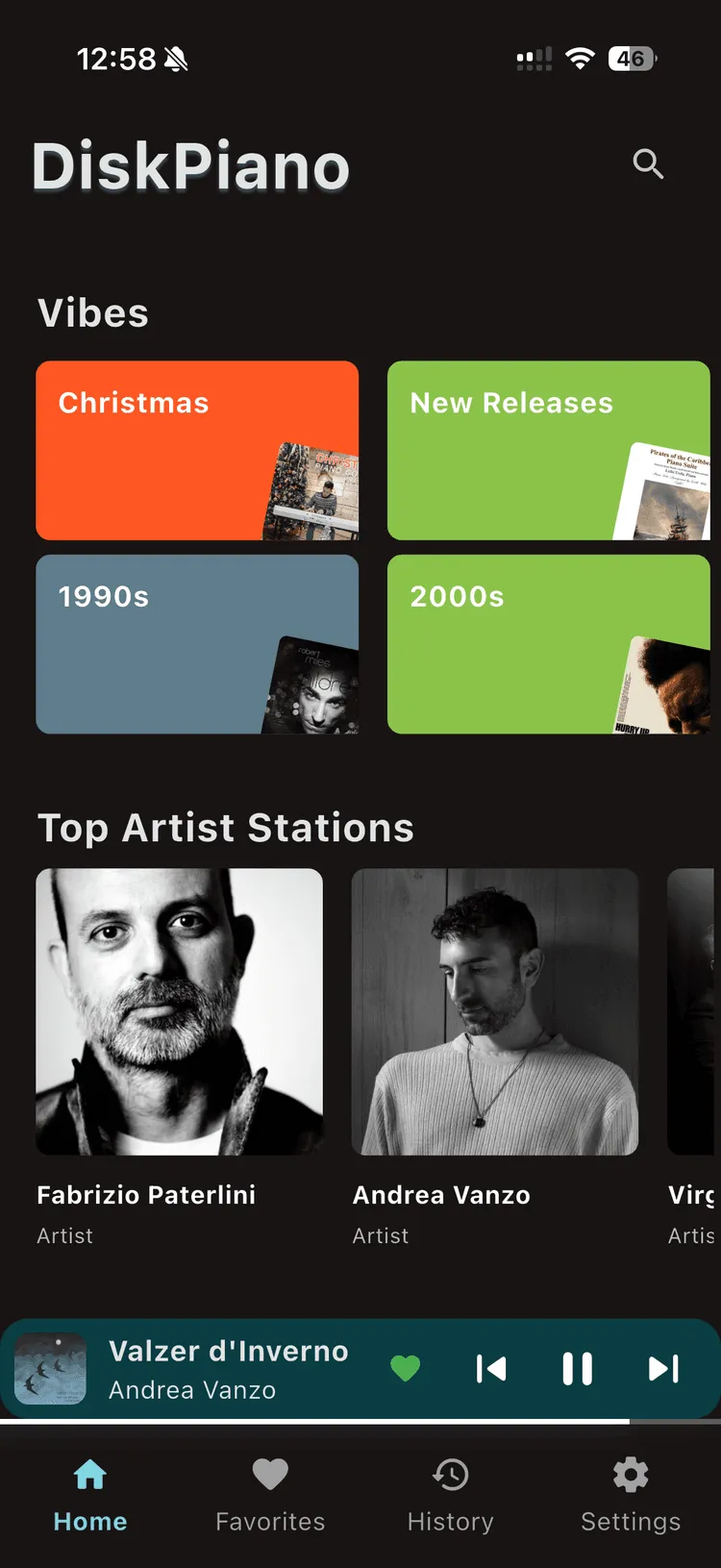
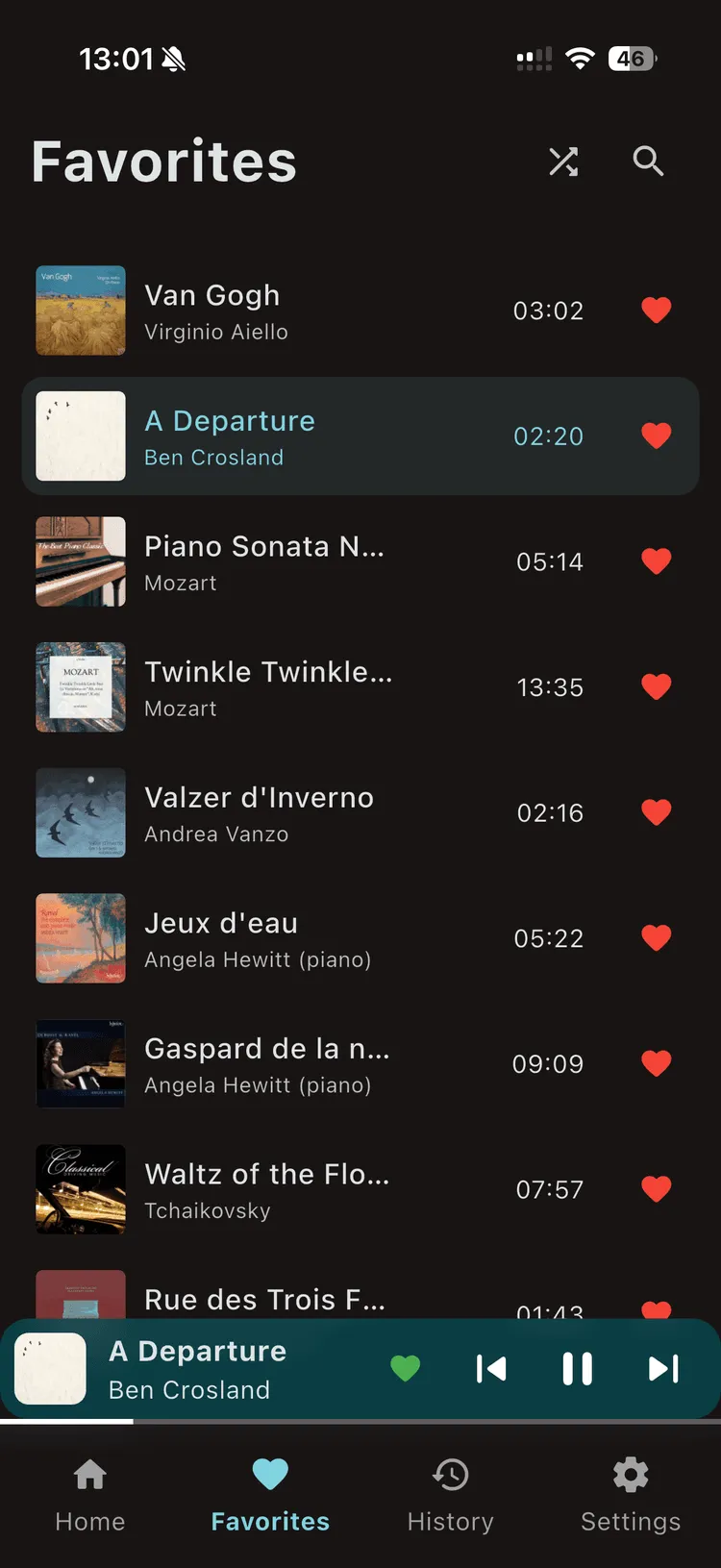
Control your self-playing piano from your phone
DiskPiano turns your Disklavier, PianoDisc, or QRS system into a modern music library. All music is legally licensed, and your preferences stay on your device.

OR
DiskPiano connects seamlessly to your piano. USB-MIDI or Bluetooth-MIDI — your choice. Works with Yamaha Disklavier, Steinway Spirio, PianoDisc, QRS, and most MIDI-compatible digital pianos and keyboards. See full compatibility.
Control everything from your phone or tablet. Start, pause, skip, transpose, and adjust tempo — all synchronized with your piano.
Smart Performance Modes: Night Mode for soft late-night play, Pianist Mode for a natural feel, or Concert Mode for expressive dynamics. Questions? Read the FAQ.
See it in action
Sixty seconds with DiskPiano: browse the library, hit play, and watch a real self-playing piano perform — the sound comes from the instrument, not speakers.
Real piano · Real room · Shot on location
How to Connect Your Piano
DiskPiano lets your real piano play itself — connect once with USB-MIDI or Bluetooth-MIDI and enjoy. Ideal for Yamaha Disklavier owners and other MIDI player-piano systems.
USB-MIDI (Recommended)
Best for stability, zero latency, and longer sessions.
Bluetooth can become unstable if your phone is more than about 1 meter away — USB stays solid.
- 1 Plug the MIDI OUT from your USB-MIDI interface into the MIDI IN port of your piano.
- 2 Connect the other end to your phone or tablet (USB-C, or Lightning with an adapter).
- 3 Open DiskPiano — it will automatically detect your piano.
Wireless Bluetooth-MIDI
Best for quick setup and wireless freedom.
Keep your phone within about 1 meter for best stability; otherwise, use USB.
Recommended Bluetooth-MIDI adapters
Need a cable or wireless adapter? These are the ones we recommend in the app.